
Unlocking Developer Efficiency – The Top Best Productivity Tools for Developers in 2024
In the fast-paced world of software development, staying productive can be a daunting challenge. The sheer volume of tasks—from writing pristine code and managing complex projects, to debugging errors and deploying seamlessly—demands not only skill but also the right set of tools. That’s where the best productivity tools for developers come into play—empowering professionals to streamline their workflow, minimize errors, and maximize output. In this comprehensive guide, we will delve into the essential tools that can transform your development process, making it more efficient, enjoyable, and ultimately more successful.
Introduction: The Developer’s Productivity Challenge
Developers today face an array of challenges that can hinder productivity if not addressed properly. Multi-layered projects require precision, collaboration, and rapid problem-solving—all while maintaining clean, efficient code. Distractions, repetitive tasks, and the pressure to meet tight deadlines often lead to burnout or subpar work quality. The critical question becomes: how can developers harness technology to overcome these hurdles?
The best productivity tools for developers serve as catalysts that elevate your efficiency by automating mundane procedures, enhancing focus, facilitating collaboration, and enabling rapid debugging and testing. Choosing the right set of tools requires understanding one’s unique workflow and pain points, along with willingness to adapt and integrate new solutions. This journey towards an optimized development environment is not solely about keeping pace but about establishing a systematic approach that fosters continuous improvement.
Code Editors and IDEs: Boosting Coding Efficiency
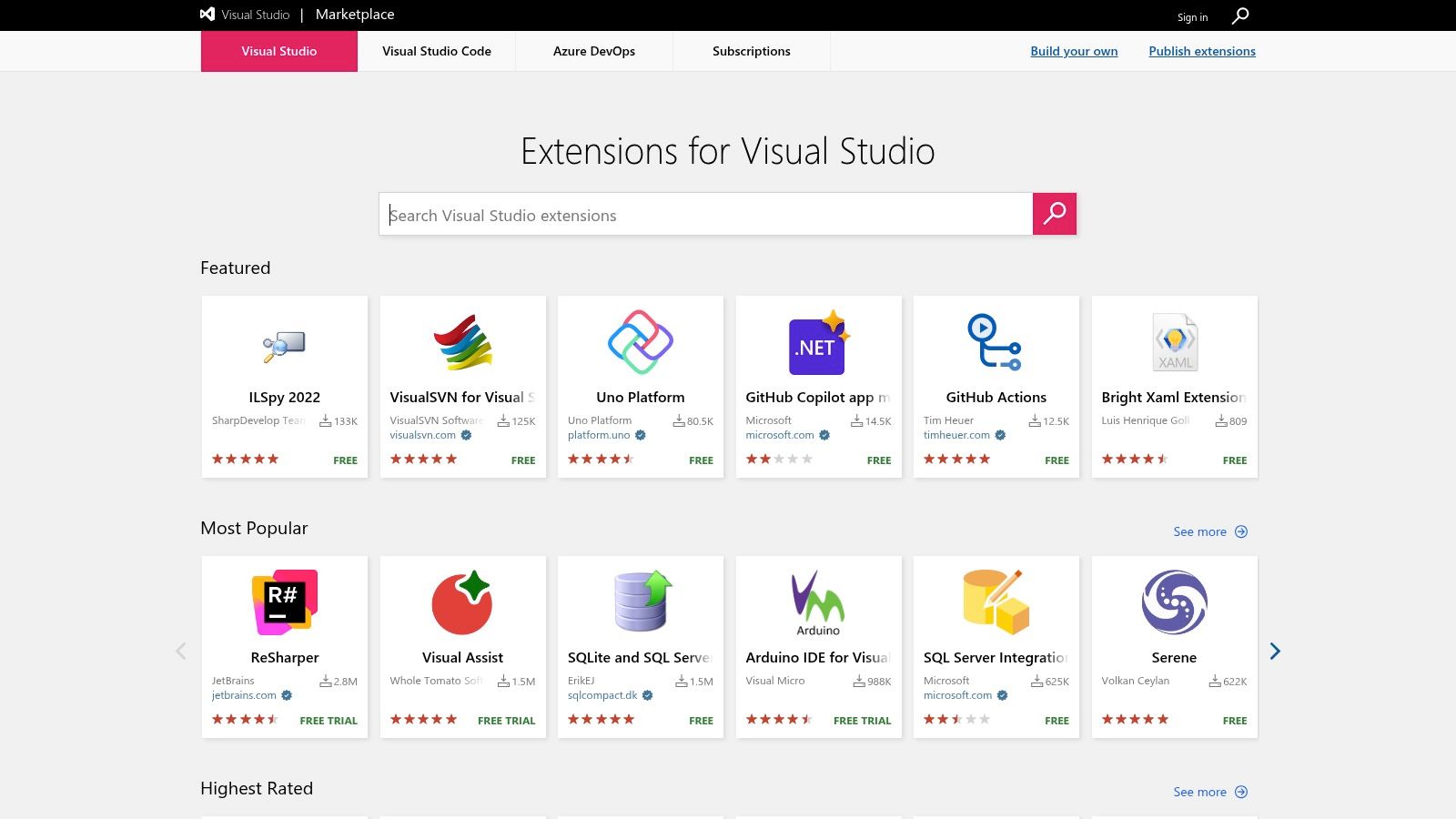
The foundation of productive development lies in selecting an exceptional code editor or integrated development environment (IDE). When fully optimized, these tools become digital playgrounds tailored to streamline coding through features like syntax highlighting, auto-completion, refactoring support, and integration with version control systems. Popular options such as Visual Studio Code, JetBrains IntelliJ IDEA, and Sublime Text offer a vast ecosystem of plugins, enabling developers to customize their environment precisely to their needs.
Beyond basic functionality, the best IDEs facilitate faster debugging, smarter code navigation, and real-time collaboration capabilities. For example, Visual Studio Code’s vast plugin marketplace allows developers to extend its functionality with tools for Docker management, remote development, and language-specific support. An efficient IDE not only accelerates coding but also reduces cognitive load, helping developers focus on solving complex problems rather than wrestling with their tools. Personalization, combined with intelligent features, transforms these environments into productivity powerhouses that adapt to your workflow.
Task Management and Collaboration Platforms: Streamlining Workflow
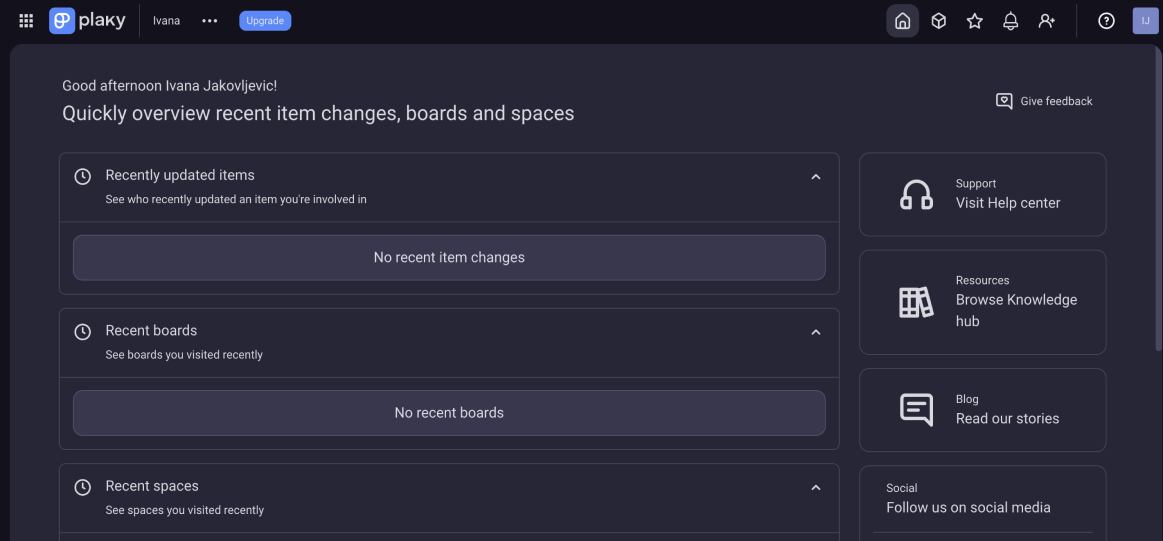
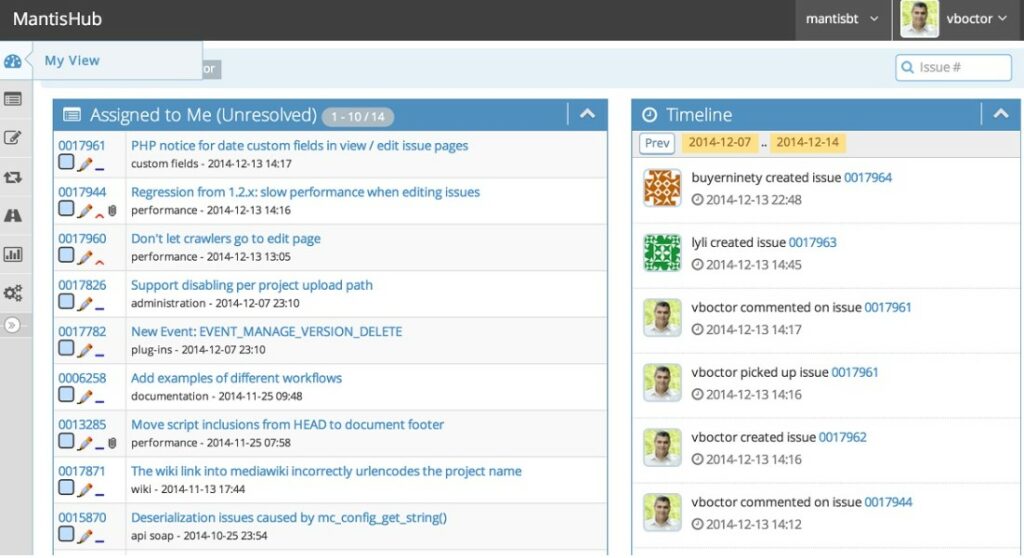
Effective project management and collaboration are vital for maintaining steady development progress, particularly within teams. Tools like Jira, Trello, and Asana have revolutionized how developers organize tasks, track bugs, and communicate project status. They foster an environment where transparency and accountability are built into daily workflows, reducing misunderstandings and ensuring everyone remains aligned.
The best productivity tools for developers also integrate seamlessly with version control and coding platforms such as GitHub or GitLab, centralizing discussions, code reviews, and issue tracking. These integrations mean less context switching and more focus on the core development tasks. Moreover, real-time collaboration features—like shared editing, commenting, and live notifications—encourage a more dynamic teamwork model, where feedback loops are shortened, and problems are addressed promptly. Clear, organized workflows and effective communication channels are crucial in reducing delays and boosting overall productivity.
Debugging and Testing Tools: Minimizing Errors and Enhancing Code Quality
No developer enjoys chasing elusive bugs or fixing broken code during critical deployment phases. That’s why debugging and testing tools play a pivotal role in ensuring high code quality and operational stability. Modern debugging environments like Chrome DevTools, Visual Studio Debugger, and Xdebug enable developers to step through code execution, inspect variables, and diagnose issues at granular levels.
In tandem with debugging, testing frameworks such as Jest, PyTest, and JUnit make it easier to automate the validation process, catch regressions early, and maintain code integrity. The integration of these tools into continuous integration/continuous deployment (CI/CD) pipelines allows for automated testing with every change, preventing bugs from slipping into production. When developers leverage robust debugging and testing tools, they not only reduce time spent on manual error fixing but also build confidence in their code’s stability—ultimately leading to faster release cycles and superior software quality.
Automation and Scripting Tools: Reducing Repetitive Tasks
Repetitive tasks—be it code formatting, deployment, or environment setup—are often invisible productivity drains. Automation tools like scripts, build systems, and CI/CD pipelines help eliminate these bottlenecks. Shell scripting, for example, can automate environment provisioning, batch file management, or data processing, freeing developers to focus on creative problem-solving.
Modern automation tools such as Ansible, Jenkins, or GitHub Actions streamline complex workflows by enabling continuous integration, automated testing, and deployment at the click of a button. These tools not only reduce the risk of human error but also make repetitive processes repeatable, reliable, and fast. Adopting automation enhances overall project velocity, reduces cognitive load, and ensures consistency across environments—invaluable benefits that elevate overall productivity.
Time Management and Focus Enhancement Techniques for Developers
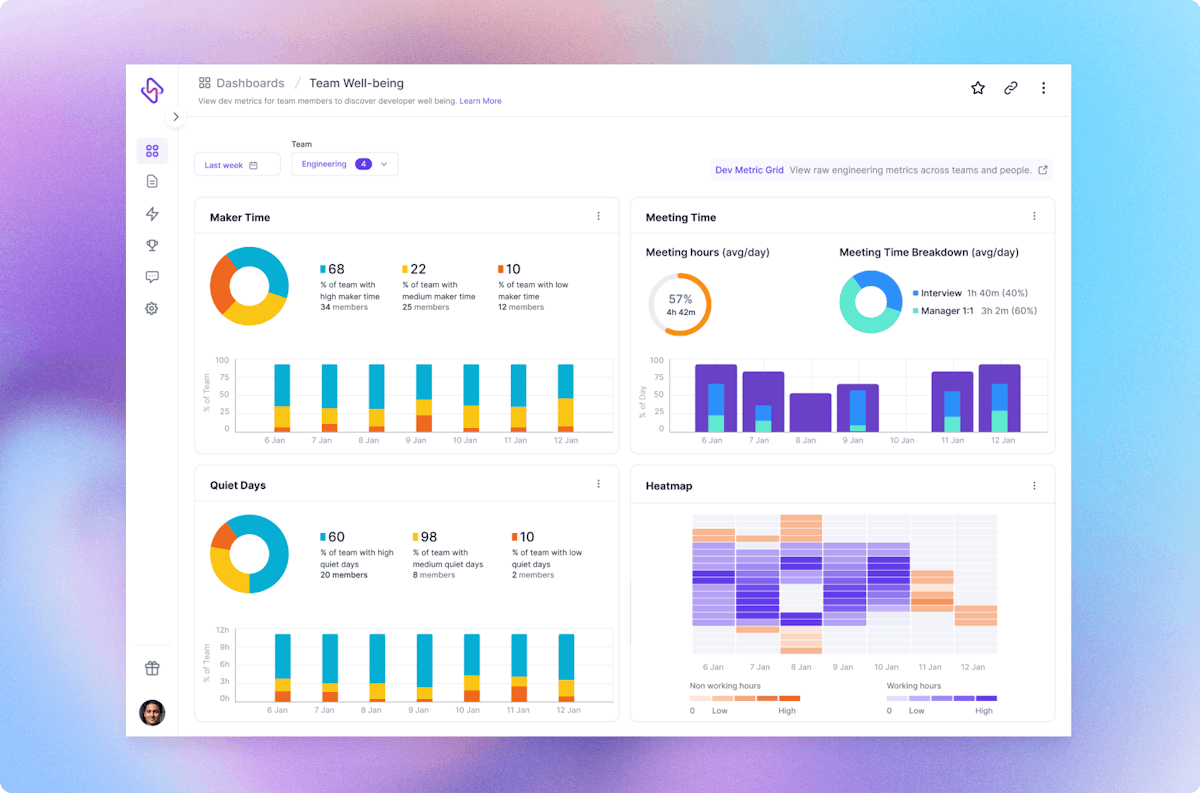
Even with the best tools, managing time effectively is essential for sustained productivity. Techniques such as the Pomodoro Technique, task prioritization matrices, and disciplined scheduling help developers maintain focus and prevent burnout. Modern tools like RescueTime, Toggl, and Clockify empower developers to track their work habits, identify distractions, and optimize how they allocate their hours.
In a digital era fraught with constant notifications and interruptions, consciously cultivating focus becomes critical. Using distraction-blocking software like Cold Turkey or Freedom can help create dedicated “deep work” sessions. Combining such techniques with productivity tools creates a disciplined environment where developers can set clear boundaries, measure progress, and continuously refine their workflow. Ultimately, disciplined time management maximizes the impact of all the productivity tools discussed above, resulting in consistent, high-quality output without sacrificing personal well-being.
Conclusion
The journey to harnessing the best productivity tools for developers revolves around understanding your workflow, embracing automation, optimizing your environment, and maintaining disciplined time management. The combination of powerful code editors and IDEs, effective collaboration platforms, robust debugging and testing tools, and strategic automation solutions creates an ecosystem where productivity flourishes. When integrated thoughtfully, these tools don’t just speed up development—they improve code quality, foster team cohesion, and enable developers to enjoy their craft at its fullest potential. As technology evolves, staying abreast of these transformative tools remains crucial for developers aspiring to excel and innovate in the highly competitive and rapidly changing landscape of software development.
🚀 Preparing for tech interviews?
Boost your skills with IT Interview Prep — practice real questions, track your progress, and get ready to ace your next interview!
👉 Download now on Google Play





-
Tagged flutter, mobile-dev, react-native